How to Record a Loom Video
Step-by-step instructions to record a Loom video to request edits to be made to your RoverPass Premium Website.
Step 1
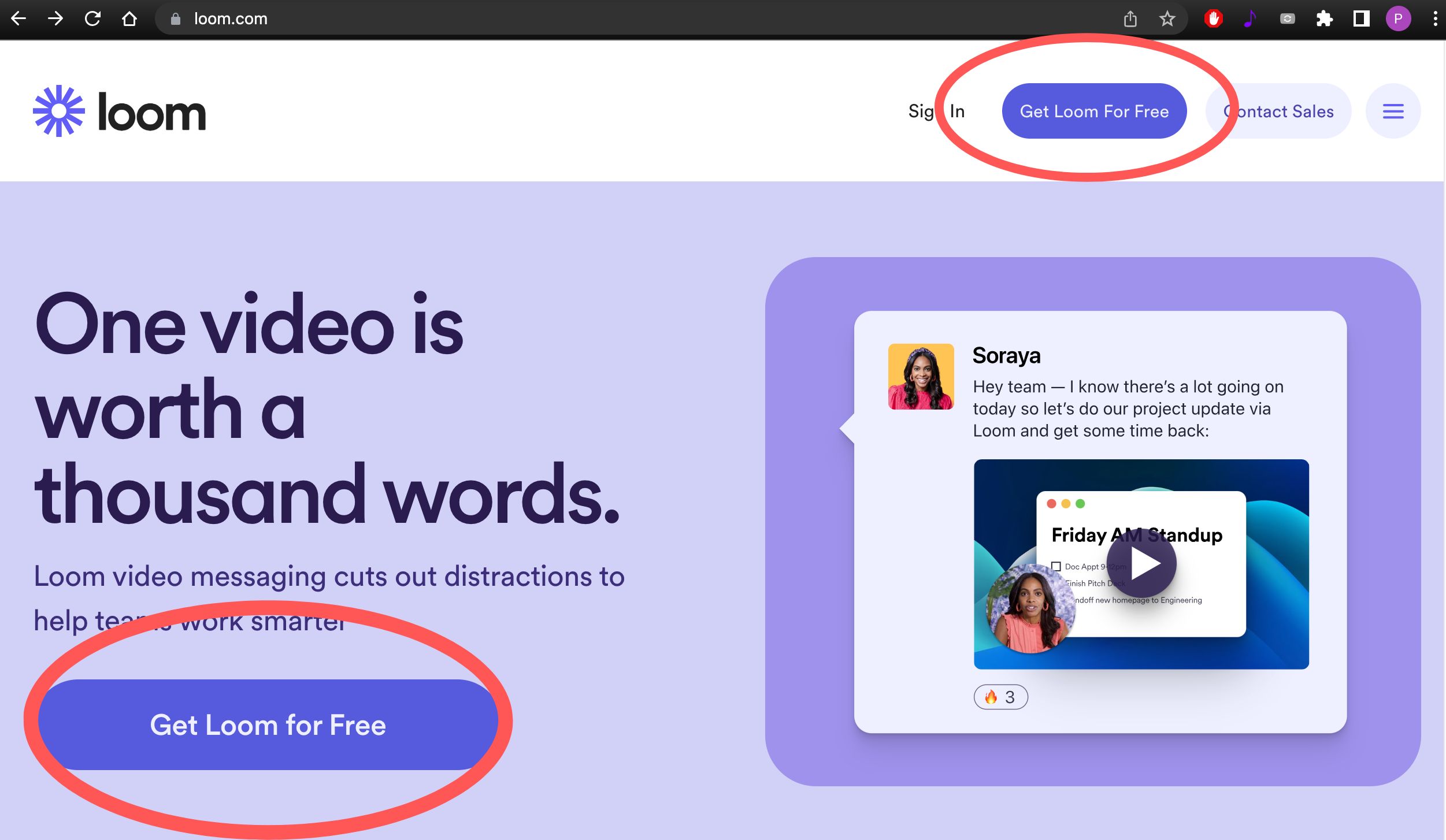
Go to www.loom.com.
Step 2
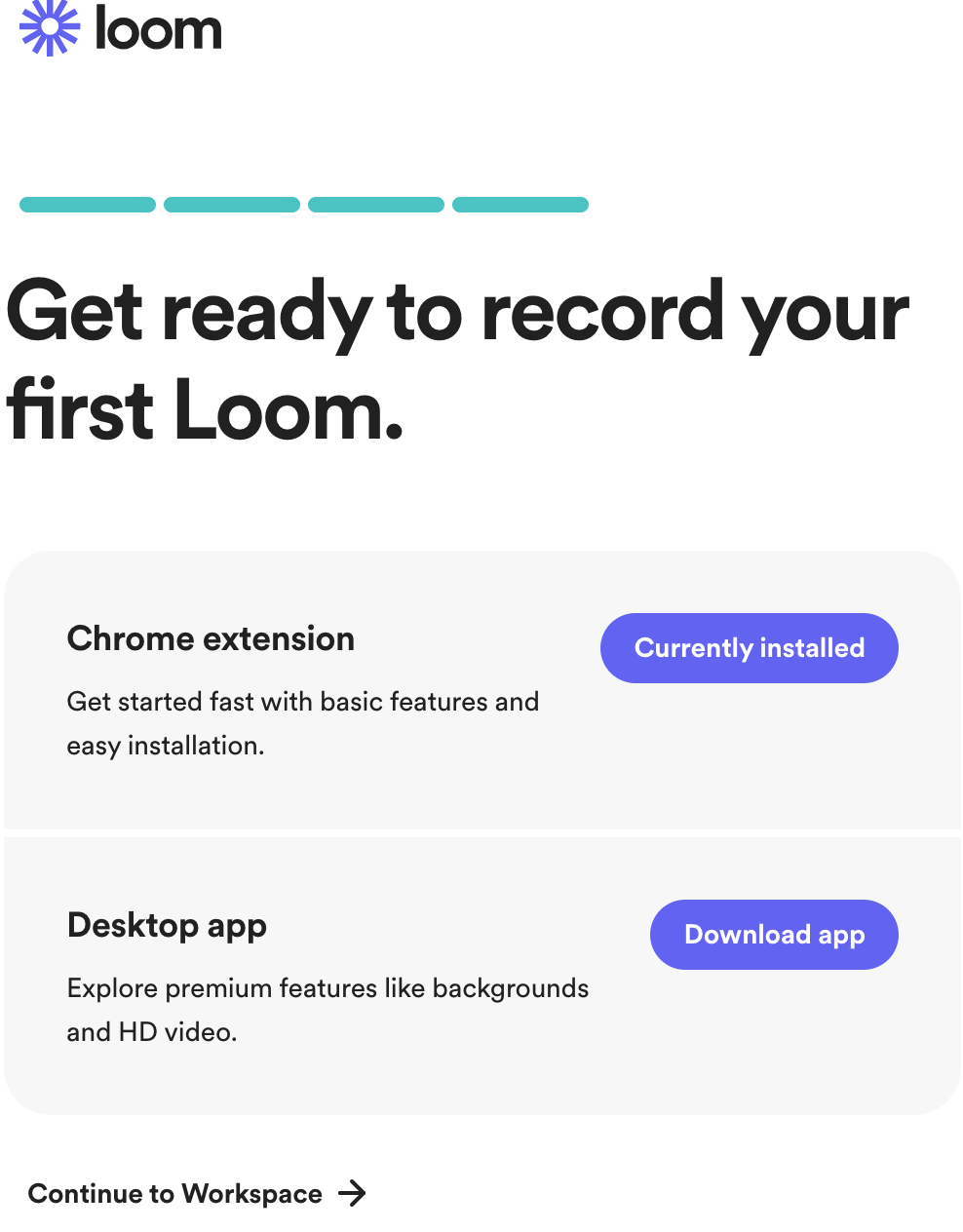
Click on the 'Get Loom for Free' button and follow the instructions to create your free Loom account.
Step 3
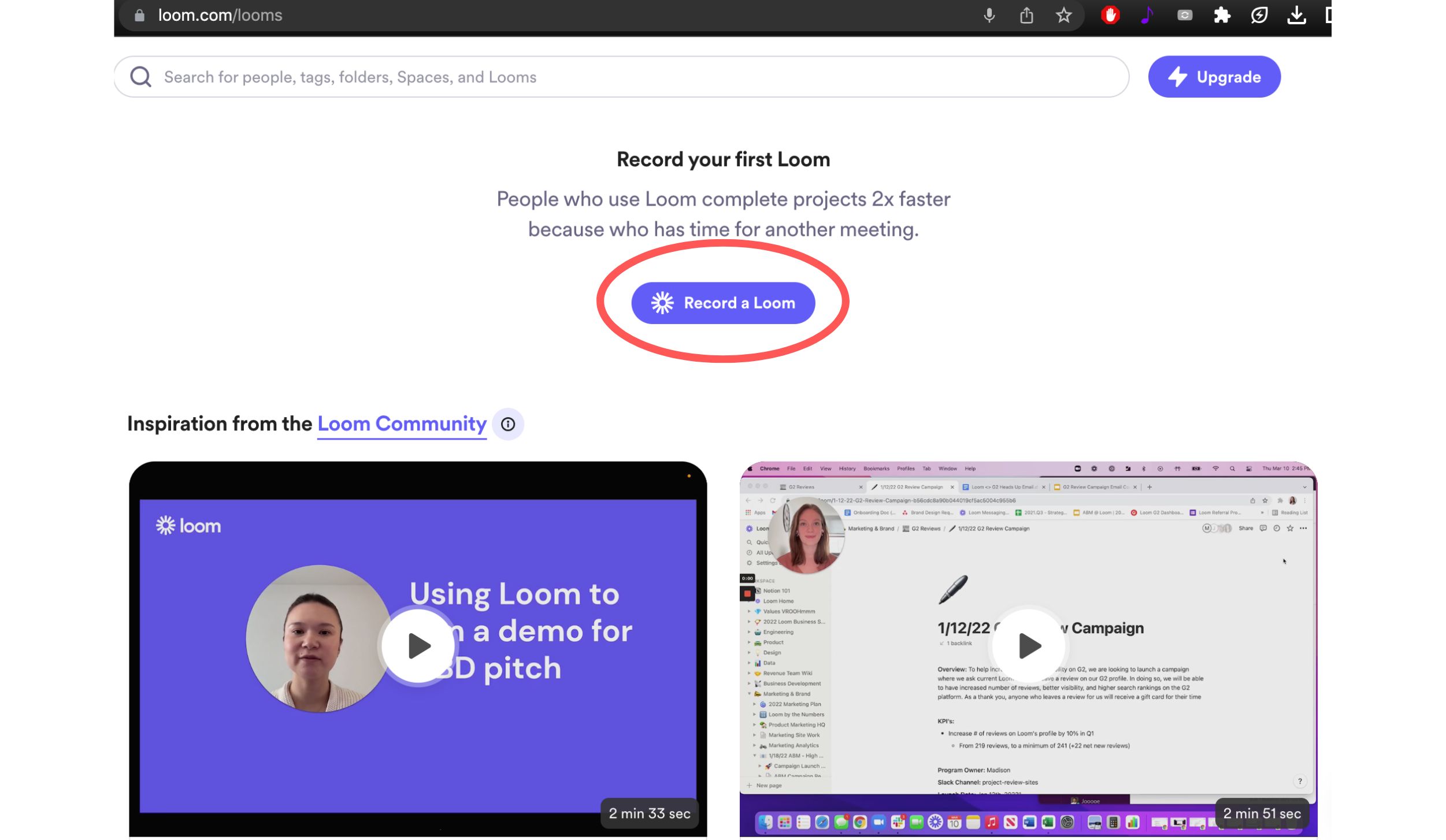
Once you have created your free Loom account, go to www.loom.com/looms
and press the 'Record a Loom' button.
Step 4
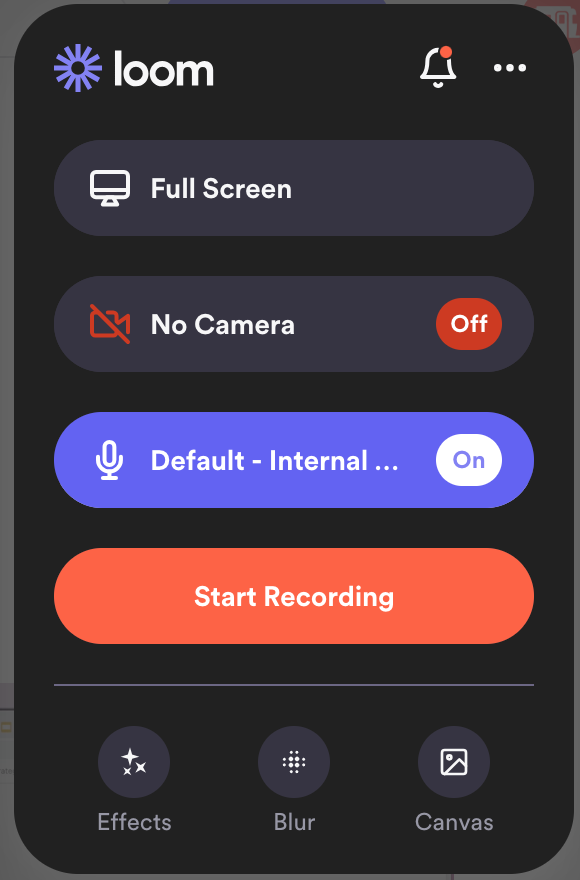
- Full Screen
- No Camera
- A microphone that works. Ensure it is properly recording before starting your Loom. If you are on a desktop computer, you will need to plug in a properly working microphone or headset.
Step 5
Press the 'Start Recording' button and begin recording your video.
At this point you can click away from the Loom website onto your Premium Website. Show us the changes you would like to be made, and where, with your mouse.
Please try to be as specific and detailed as possible. If you have photos or images you want to change/add, you can show us those before pointing out exactly where you want them to be added.
The free version of Loom has a 5 minute time limit. If you cannot explain all the edits you would like to have made within 5 minutes, you can record a second or third Loom.
Step 6
Once you have finished recording your Loom, press the 'Finish Recording' button in the bottom left of your screen (it is the red square).
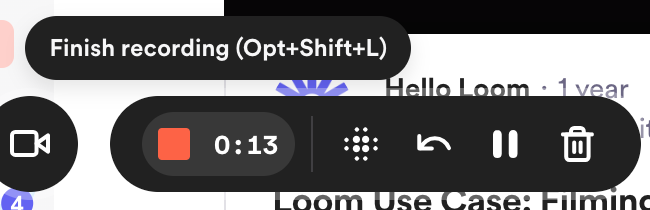
Your recording will then upload to Loom.
Step 7
Your recording(s) can be found on www.loom.com/looms/videos. Click on the video(s) you want to send to us, and then click on the 'Share' button.
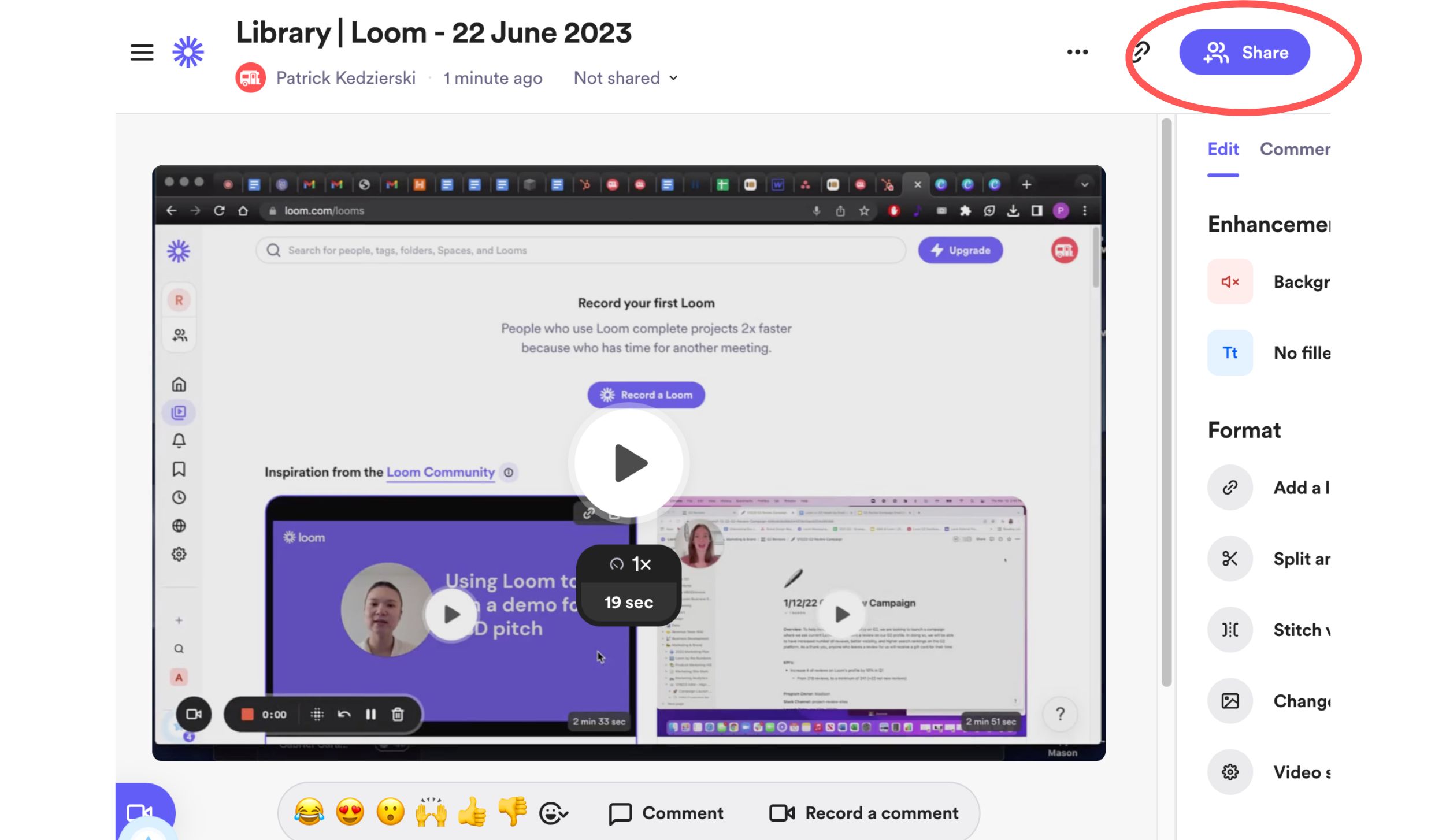
From there, click on the 'Copy Link' button.
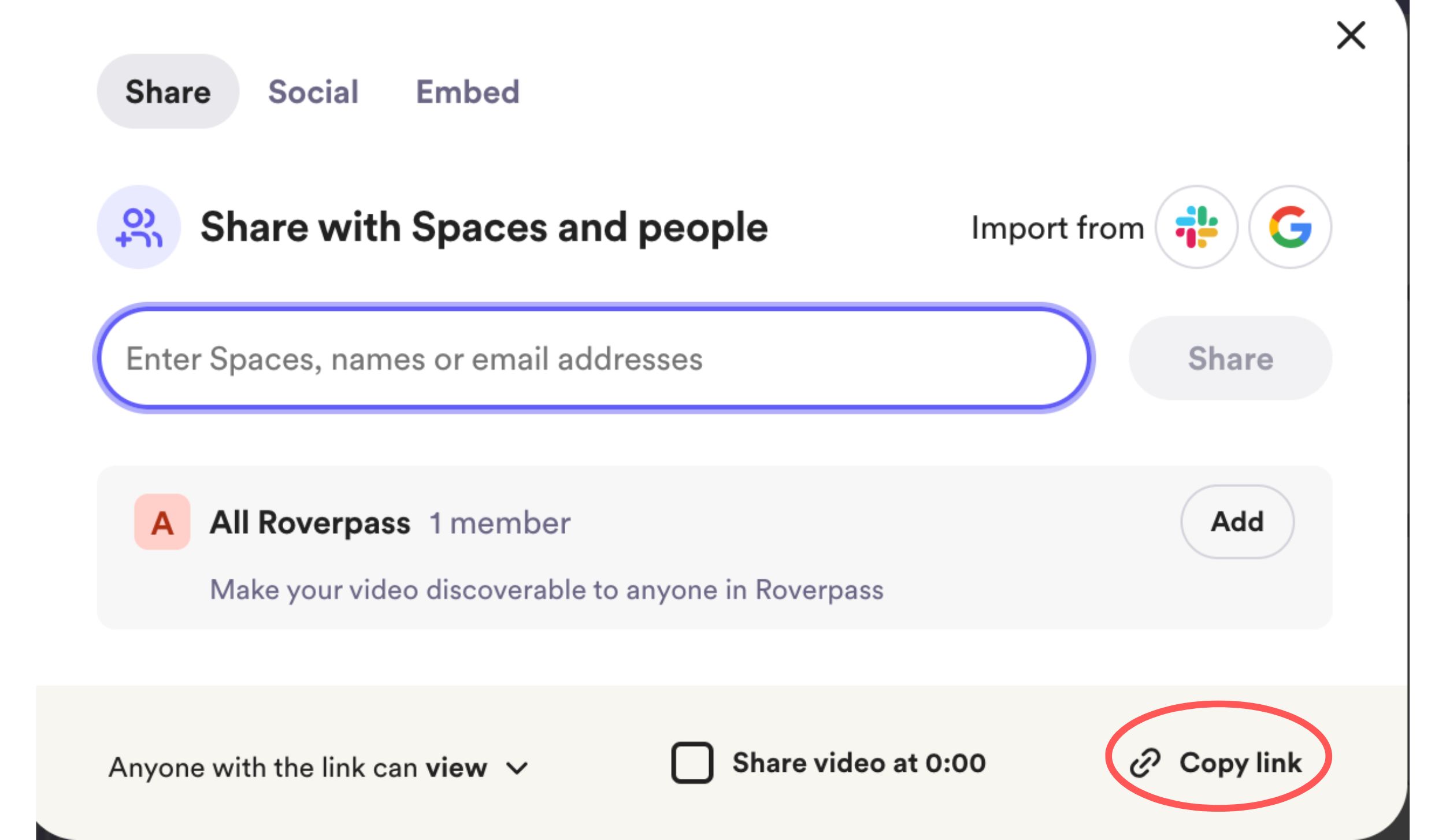
You now have the link to your recorded Loom copied. Paste it over to our team and we will then be able to view it and make the edits that you requested accordingly!