How to Login for Campground Owners
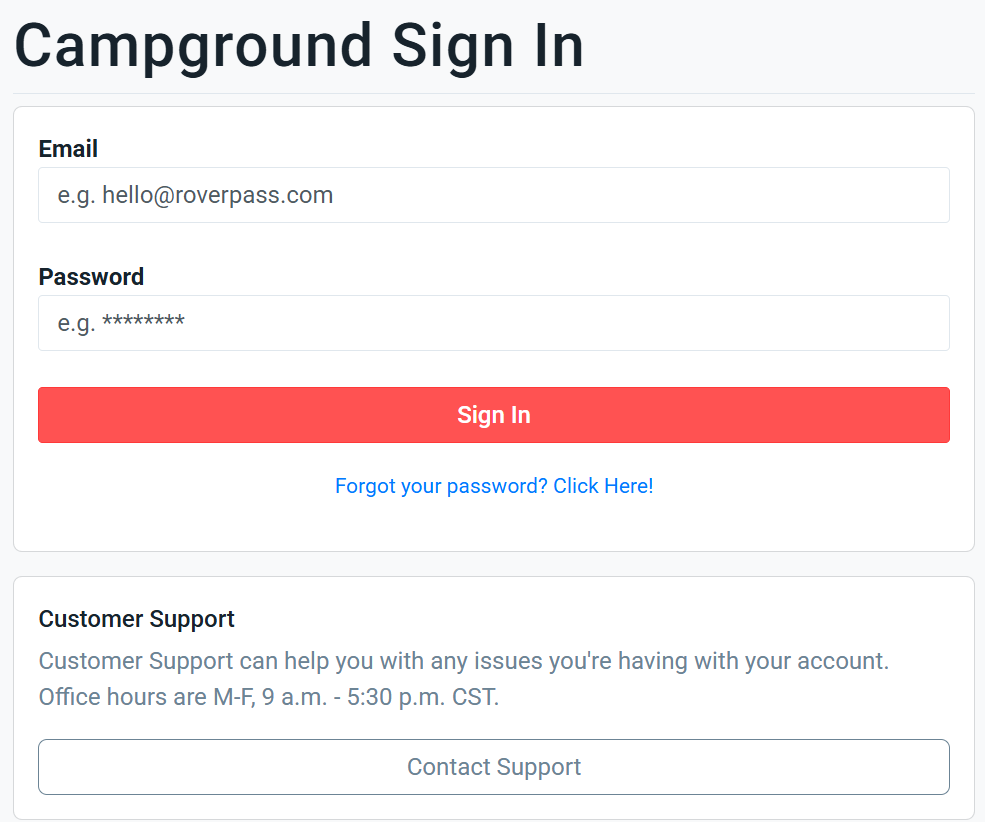
Instructions on how to get logged in as an owner so you can access your campground settings and reservations
Step 1: Visit
roverpass.com to login
Step 2: Click on “
Owner Sign In”
Step 3: Enter your email address associated with the campground and the password
Step 4: Click
Sign in and select your campground
Related Articles
How To Contact RoverPass Support (for campground owners)
Need Help with Your Owner Portal? We're here to help! Before reaching out, we recommend checking the resources below for the fastest resolution. 1. Visit the Help Center Click here to access the Help Center Our Help Center contains answers to many ...
How to Save a Card on File - For Campground owners/staff
Save a Guest's Card on File Saving a guest's card on file allows you to securely charge that same card for future invoices associated with the reservation, eliminating the need to request the payment information again. Save a Card During Reservation ...
How to Create an AllStays Listing
AllStays is a widely used camping and RV travel app and directory. Adding your campground gets it in front of travelers who filter by location, hookups, rates, and amenities. How to add or update your listing Go to ...
What Payment Options Can You Offer Campers?
As a campground owner, you can offer a variety of payment options for your campers. Here’s a quick overview! 1. Cash or Check You can choose to accept cash or checks from campers, which will help them avoid any processing fees. Make sure to ...
Enabling ACH Payments for Your Campground and ACH FAQ's
You can now offer ACH payments to your long-term guests, allowing them to make payments directly from their bank accounts. ACH payments provide a cost-effective alternative to credit card payments, helping guests avoid high processing fees. To allow ...