How to Chat with the Property Directly
Step 1: Visit roverpass.com and click ""Traveler Sign In""
Step 2: Enter the username and password you created for your RoverPass Account
Step 3: Click on 'My Reservations' in the top right hand corner
Step 4: Click on the reservation for the campground you wish to chat with
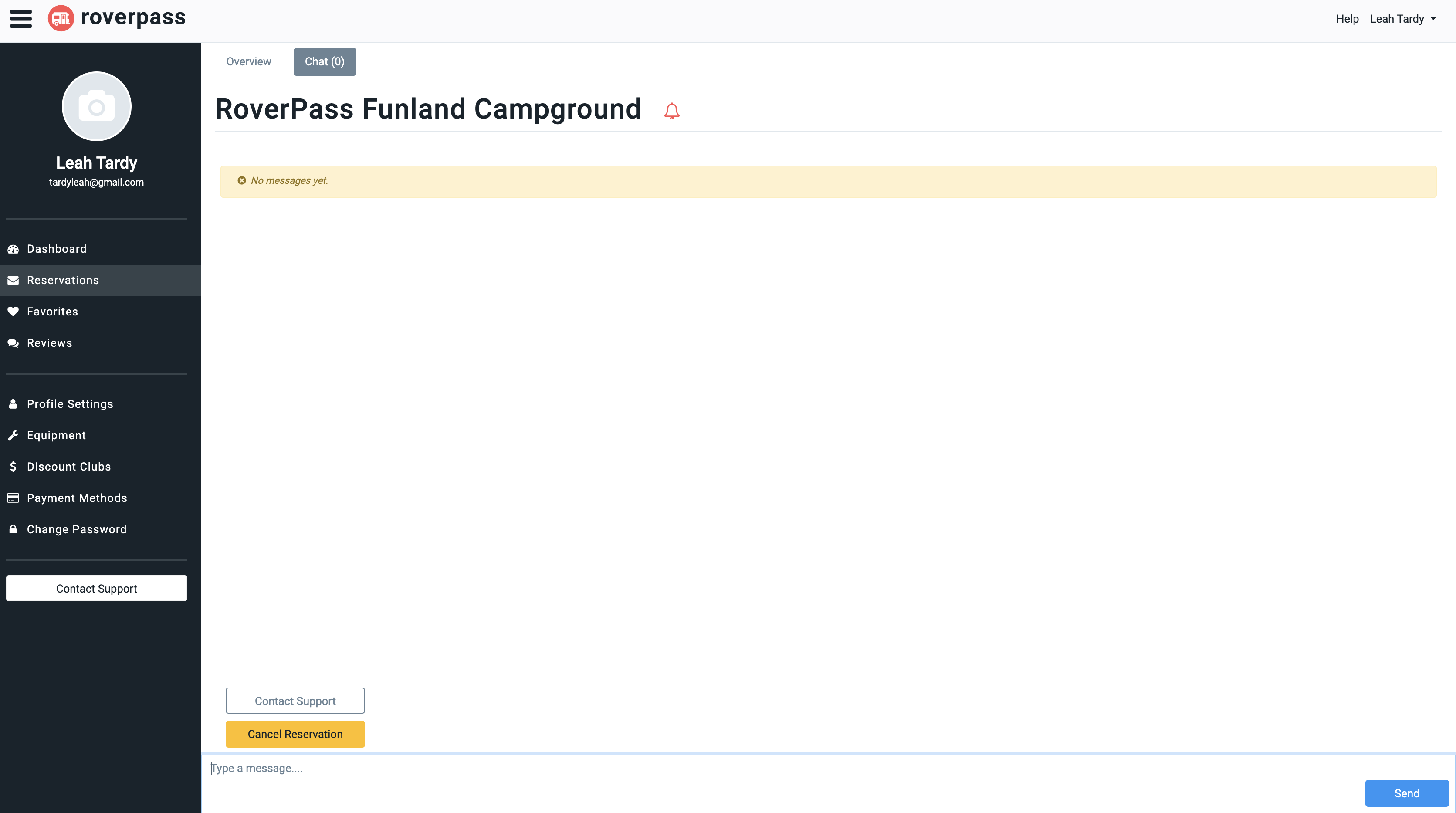
Step 5: At the top of the page, next to the 'Overview' tab, click on the 'Chat' tab
Step 6: Enter any message you wish to send directly to the campground, and click the blue 'send' button
If you need additional assistance, please contact our Camper Support team at [email protected].